Powered by BGaming

AviaMasters 2

97%
RTP
Crash
Game Type
Boosters
Features
Real Money
AviaMasters 2 Slot Game

The demo runs on virtual FUN currency. No card details, no deposit, no hidden charges. You're testing the game, not your wallet.

This is the exact same build you'd play for real money. Game version 1.0.0, certified RNG, identical mechanics. The demo isn't sweetened—it uses the same random number generator and game rules (version 1.0, February 2026) as the cash version. What you see is what you get.

No registration required. Click and fly. You can practise dodging rockets, catching multipliers, and testing the Safe Landing bonus as many times as you need. The demo doesn't lock you out after a few spins or slap a timer on you.

Use it to learn the speed controls (tortoise to lightning), work out the booster timing, and see how the multiplier builds during flight. Once you've got the feel for when to cash out versus pushing your luck, you'll know if this biplane's for you.

BGaming's a major provider with 350+ slots—this isn't some dodgy knock-off. AviaMasters 2 launched early 2026 as the sequel to the original, so the demo's as current as it gets.

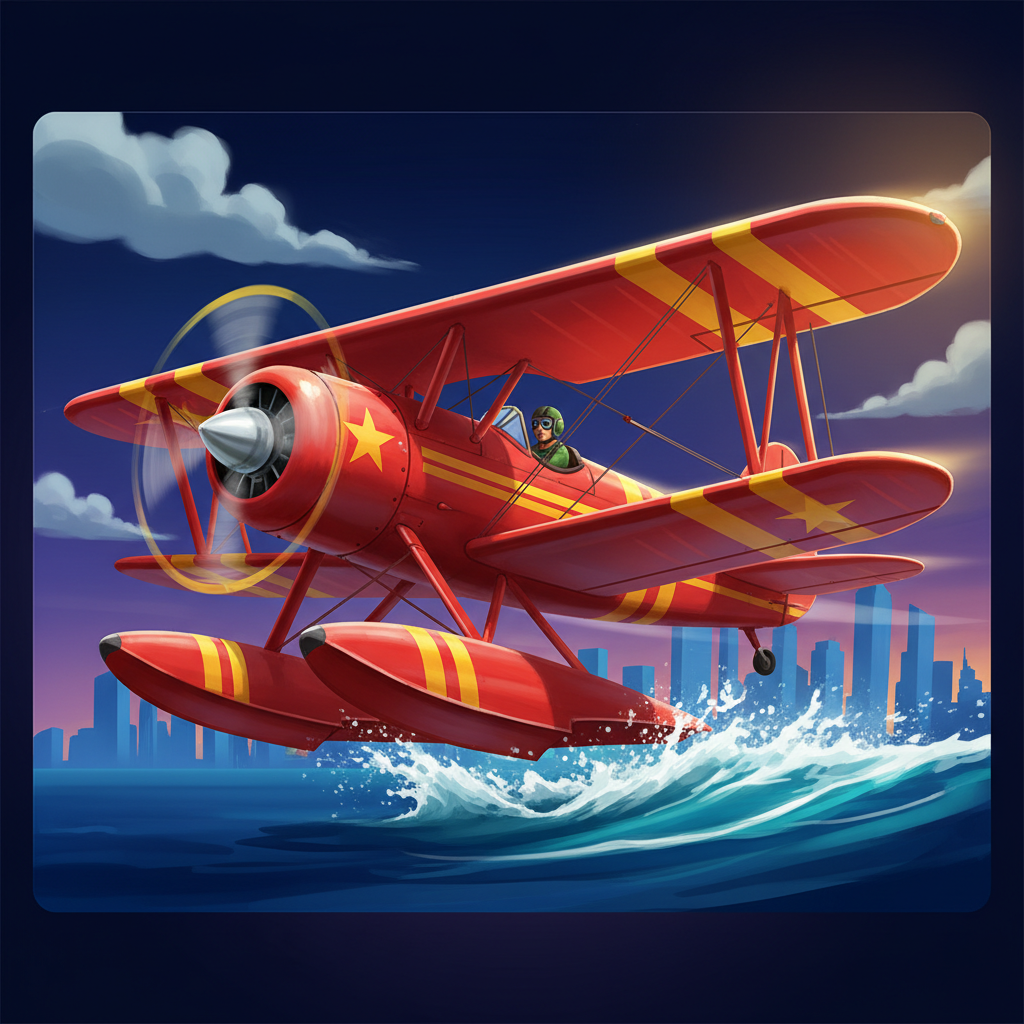
Most crash games ask you to watch a multiplier climb and pray. AviaMasters 2 hands you the joystick instead—you're actively piloting a biplane through a shower of rockets that halve your win, hunting glowing multipliers whilst adjusting flight speed on the fly. BGaming's sequel to last year's original adds four boosters (a magnet that hoovers up collectibles, a laser that zaps obstacles, nitro bursts, and a second-life lifebuoy) plus the genuinely bizarre Safe Landing feature: pay extra before takeoff to strap water skis onto your plane, letting you belly-flop into the ocean without losing everything. It's part crash game, part bullet-hell lite, with a 97% RTP that's generous even before you factor in whether dodging skill actually tips the odds. The question isn't whether it's different—it obviously is—but whether that difference makes it better or just busier.

How To Play

AviaMasters 2 gives you more control than typical slots, so it's worth understanding what you can adjust before your first flight.

Basic Controls

Your main button is the large circular Play button on the right side of the screen—and here's the unusual bit: you can drag it anywhere you want. Before spinning, set your bet by clicking the up/down arrows next to TOTAL BET at the bottom right. This opens a dropdown with 16 preset values ranging from 5.00 to 12,500.00 FUN. Select one, and you'll see your bet amount appear above the plane on the runway.

Once you're ready, hit that Play button. The plane takes off automatically and flies through a field of numbers, multipliers (marked with an x), and hazards. Your job now is to watch it play out—there's no stopping the reels mid-flight like traditional slots.

Speed Control During Flight

Here's where it gets interesting: while the plane's flying, you can change the speed in real time using four icons in the status bar (tortoise for slowest, through to lightning bolt for fastest). This doesn't affect your outcome, but it does change how quickly the round plays out. If you're watching dozens of items scroll past, slowing down helps you follow what's happening.

Autoplay and Advanced Options

Click the circular Auto (A+) button to configure autoplay. You'll get a full panel where you can set anywhere from 10 to infinite rounds, plus stop conditions—useful if you want to cap losses or lock in profits at a specific threshold. Toggle each condition on or off, enter your limits, and you're set.

Before any spin, you might see a "Buy Safe Landing" popup offering to activate the bonus for an upfront cost (typically a multiple of your bet). This gives the plane water skis, letting it survive one crash. It's optional—close the popup if you don't want it.

Customization

Open Settings via the hamburger menu (three lines, top right) to truly make this slot yours. You can adjust the spin button's size and opacity, reset its position if you've moved it somewhere awkward, and control music and sound effect volumes independently. The button preview in Settings shows exactly what you're changing.

One last tip: your current multiplier glows bright turquoise-green in the status bar during flight—it's the live number you'll want to watch.

Bonuses & Symbols

How the Game Works

Red biplane flying

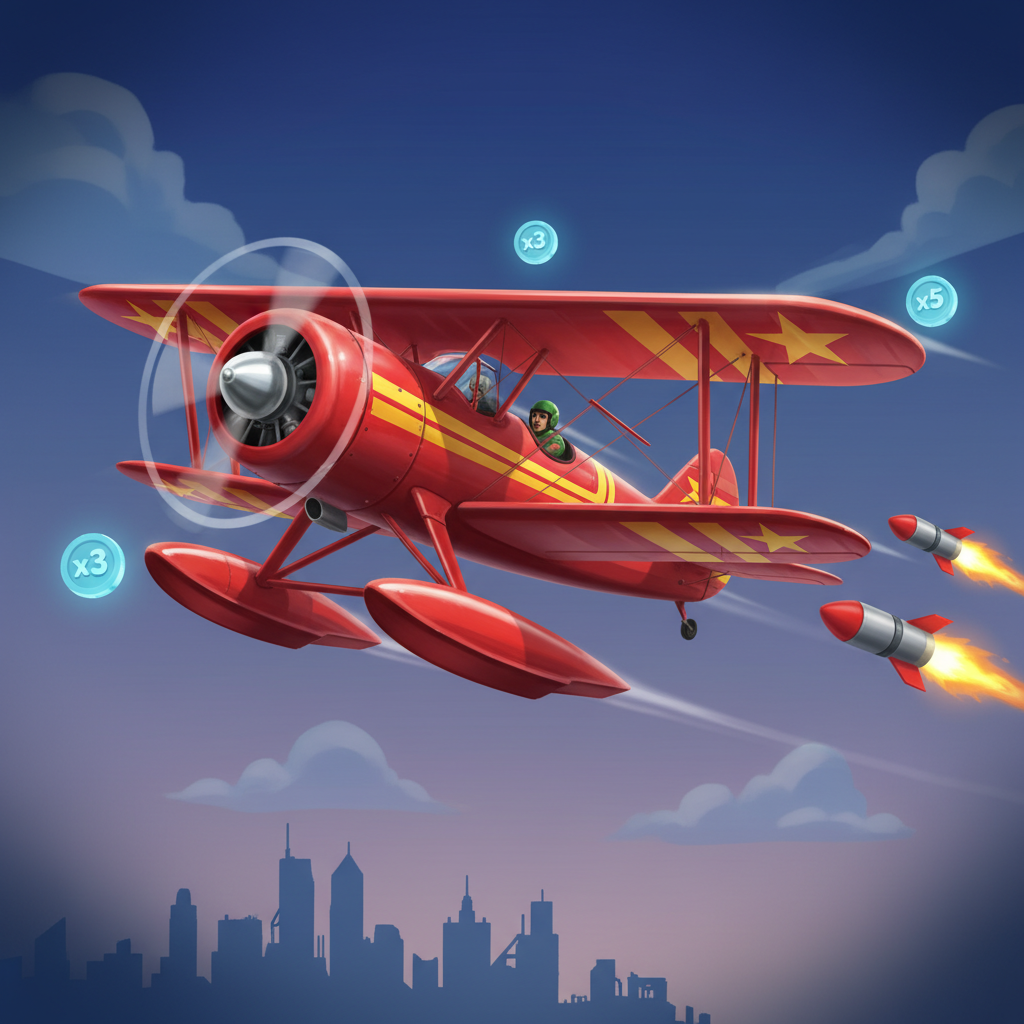
AviaMasters 2 isn't a traditional slot with reels. Instead, you watch a red biplane fly across the screen whilst a multiplier builds up. During the flight, the plane encounters various items—some helpful, some harmful—that affect your final multiplier.

The plane starts every round at x1.0 and takes off from a runway. Your goal is simple: land safely on the island without crashing into the water. If you make it, your bet gets multiplied by whatever you've accumulated. If the plane hits the water, you lose.

Collectibles: Numbers and Multipliers

Two types of glowing items appear during flight, and they look similar but work very differently.

Plain number collectible

Plain Numbers

Plain Numbers (1, 2, 5, 10) have no "x" symbol in front. These glow white with a blue halo and add to your current multiplier. If you're at x5.0 and catch a 2, you're now at x7.0.

Multiplier collectible

Multipliers

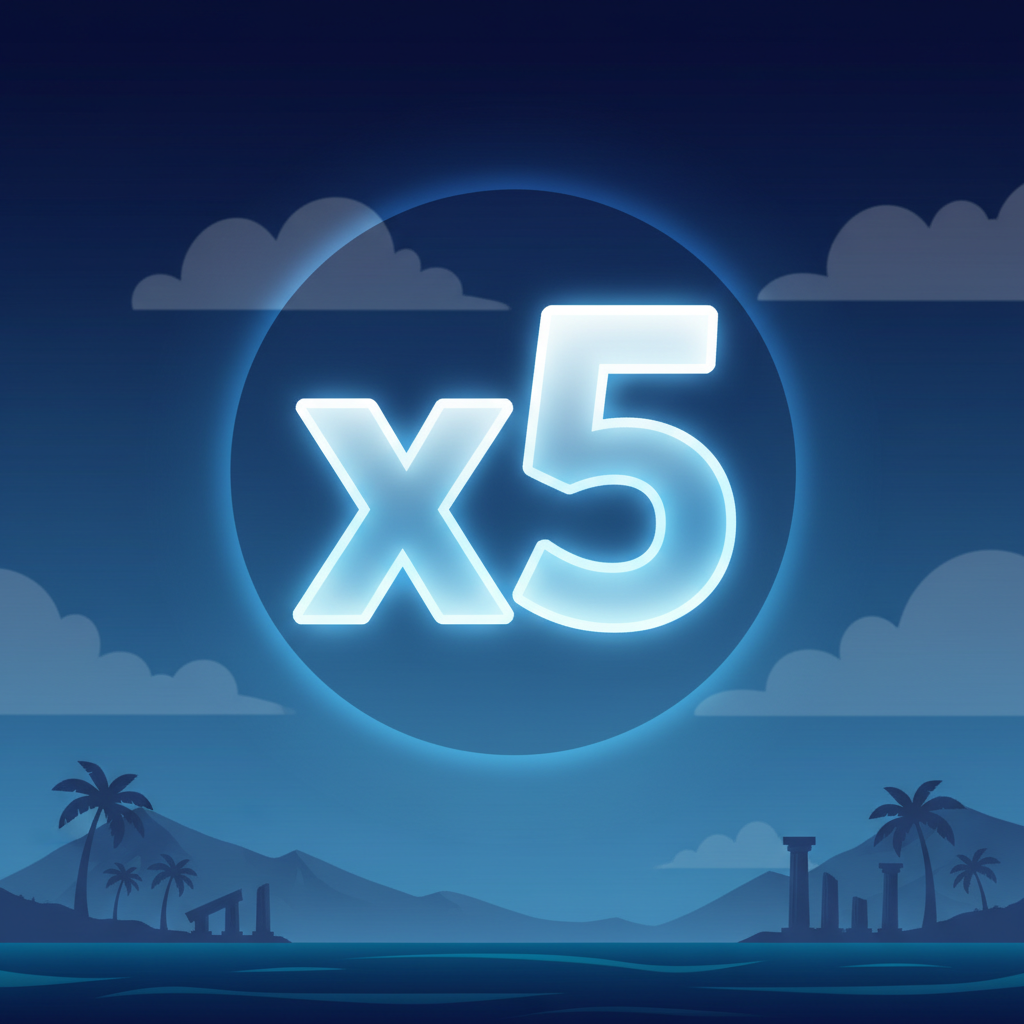
Multipliers (x2, x3, x4, x5) have the "x" symbol before the number. Same glowing style, but these multiply your current total. Catch an x3 when you're at x10.0, and you jump to x30.0.

Both look like bright, semi-transparent numbers floating in the sky. The only visual difference is that tiny "x" prefix—but it makes all the difference mathematically.

Rockets

Red rocket obstacle

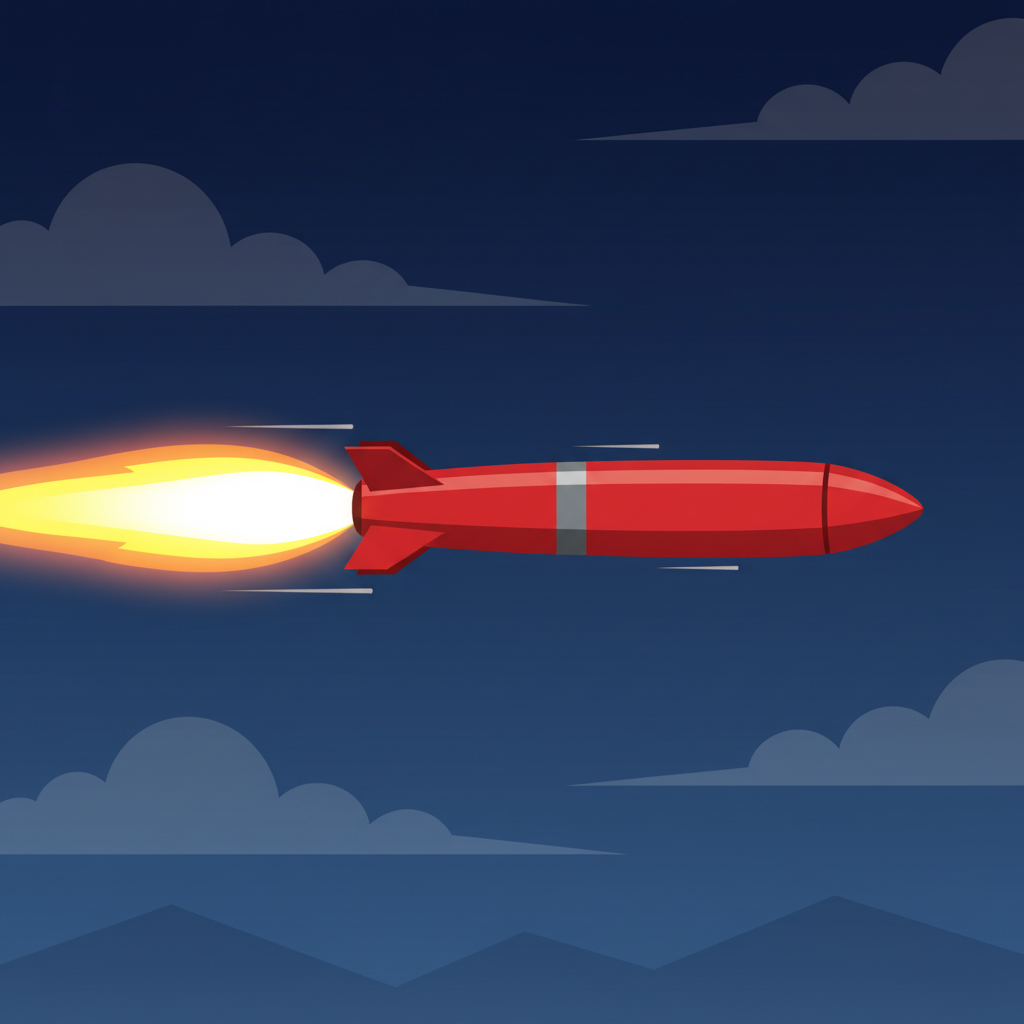
Red cylindrical missiles fly horizontally across the screen with yellow-white flame trails behind them. These are obstacles, not rewards.

Each rocket you hit cuts your multiplier in half. You're at x20.0, catch a rocket, drop to x10.0. They appear throughout the flight, sometimes several on screen at once, and they're the main threat to your multiplier growth.

The rockets have a bright red body with a steel-grey band around the middle, pointed nose at the front, and small stabiliser fins at the back. Hard to miss once you know what they look like.

Boosters

Four special pickups appear randomly during flight. Each gives a temporary power-up. Here's what they do:

Magnet booster

Magnet

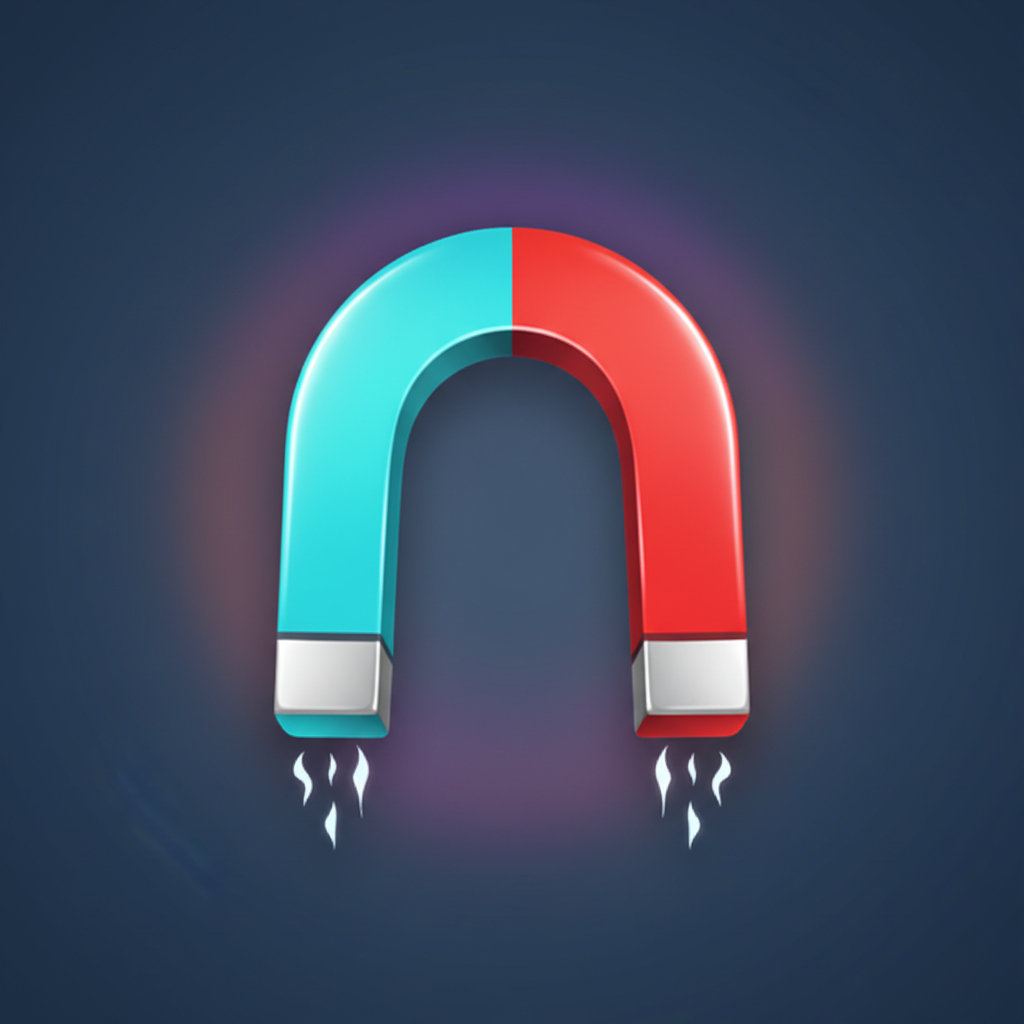
Magnet – Classic horseshoe shape in turquoise blue and red, with the two arms forming a U. White sparkling lines shoot from the tips. Once collected, nearby numbers and multipliers get pulled toward your plane automatically for a short time.

Laser gun booster

Laser Gun

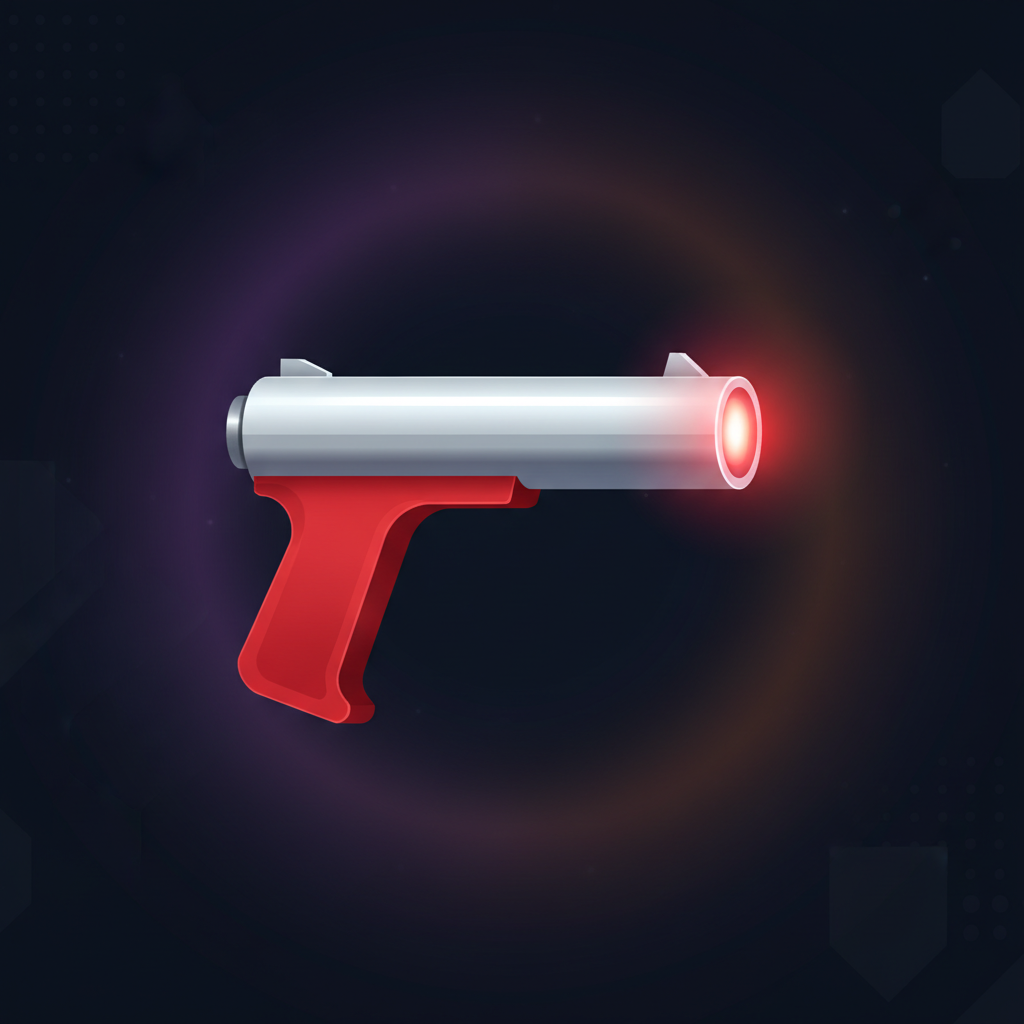
Laser Gun – Compact futuristic pistol with a silvery barrel and red grip, pointing right. A glowing red-orange dot sits at the muzzle. This weapon destroys rockets in your path, clearing obstacles temporarily.

Nitro canister booster

Nitro Canister

Nitro Canister – Vertical transparent blue cylinder that looks like a glass bottle. Inside is a bright yellow lightning bolt. Collect this and the plane makes an instant forward leap, completely ignoring any rockets along that jump. You bound ahead untouched.

Lifebuoy booster

Lifebuoy

Lifebuoy – Classic ring or doughnut shape with alternating segments: two white, two red-orange, like a beach rescue float. This gives you a second life. If you touch the water with an active lifebuoy, you don't lose—you get one more chance to reach the island.

Safe Landing Bonus

Biplane with pontoons for safe landing

Before the round starts, you can purchase the Safe Landing bonus. A popup shows the red biplane with pontoons (water skis) attached under the wings.

The cost is displayed as a large golden number (100.00 FUN in the documentation). You can adjust your bet within the popup using minus and plus buttons, then click ACTIVATE.

When active, the plane gains visible red pontoons under the lower wing, and the status bar shows "BONUS ACTIVE" on a bright magenta-pink background instead of "ACTIVATE BONUS".

What it does: if the plane touches the water, instead of crashing you land safely on the surface. The round still ends, but you don't lose your entire stake. The plane essentially has insurance.

This is the only purchasable feature. It costs extra before the round and changes the water from instant death to a valid landing zone.

There are no free spins, no scatter symbols, no wild substitutions. Everything happens during the single flight—collect good items, dodge or destroy rockets, and try to reach the island with the biggest multiplier possible.

Crash Game With Power-Ups

✓ Pros

  • Four distinct boosters Magnet attracts items, Laser destroys obstacles, Nitro rushes through danger zones, Lifebuoy grants second life after crash
  • Adjustable flight speed Four settings from tortoise-slow to lightning-fast let you match your reflexes and risk tolerance
  • Clear multiplier logic Plain numbers add, x-symbols multiply, visual distinction prevents costly confusion mid-flight
  • Customizable play button Reposition, resize, and adjust opacity to suit your setup and keep screen clear during action
  • 97% RTP displayed Excellent return rate for UK players, well above typical crash games and clearly shown per UKGC requirements
  • Speed control adds strategy Slower flight gives more time to react but extends risk exposure, faster flight reduces decision time but shortens danger window

✕ Cons

  • Rockets halve your multiplier instantly One hit at x40 drops you to x20, devastating momentum
  • Safe Landing multiplies your stake Insurance costs substantially more than base betting, raising total exposure
  • Must land on island to win Water crash loses everything unless you've paid for the water-ski bonus
  • Screen floods with elements in flight Dozens of numbers, rockets, and boosters demand constant split-second decisions
  • Booster timing feels random Power-ups appear unpredictably, limiting strategic planning around them

Apps & Platforms

AviaMasters 2 is built with HTML5 technology and runs directly in your web browser on any device. You can play on desktop computers, laptops, tablets, and mobile phones without downloading any software or apps. The game interface automatically adapts to your screen size, whether you're playing on a large monitor or a smartphone in landscape orientation.

Web Browser Browser
Desktop Desktop
Tablet Tablet
Mobile Mobile
Sophie Williams
Sophie Williams LinkedIn

I've been writing casino reviews for 8 years, with the last 5 years spent at Sky Betting & Gaming creating content like this for UK players.